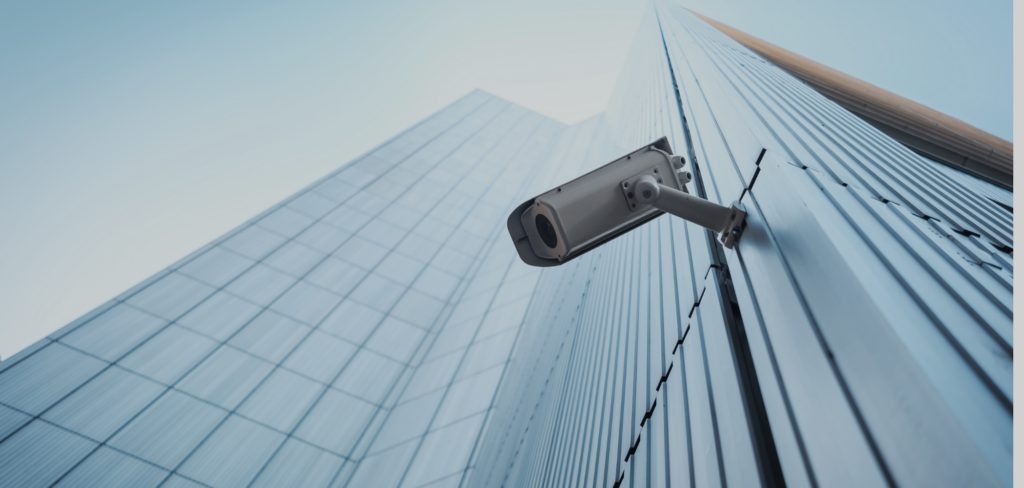
Security cameras are an essential tool for protecting your home or business, and TELUS security cameras offer advanced features like live streaming, motion detection, and integration with smart home systems. If you’ve just purchased a TELUS security camera and need guidance on setting it up
Step 1: Unbox Your TELUS Security Camera
Before starting, carefully unbox your TELUS security camera. Inside, you should find:
- The camera itself.
- A power adapter or batteries (depending on the model).
- Mounting hardware.
- Instruction manual.
Make sure all the components are present and in good condition.
Step 2: Choose the Ideal Location
The placement of your security camera is crucial for effective monitoring. Keep the following in mind when choosing a location:
- Indoor cameras: Place them near entry points, large windows, or hallways.
- Outdoor cameras: Install them near doors, garages, or other vulnerable areas. Ensure they are weather-protected.
- Avoid obstructions like walls or large furniture that could block the camera’s view.
- Ensure the camera is within range of your Wi-Fi network for seamless connectivity.
Step 3: Download the TELUS SmartHome App
The TELUS SmartHome app is essential for setting up and managing your security camera.
- Visit the App Store (iOS) or Google Play Store (Android) to download the TELUS SmartHome app.
- Create a TELUS account if you don’t already have one, or log in using your existing credentials.
Step 4: Power Up the Camera
- For wired models, connect the camera to a power outlet using the provided adapter.
- For wireless or battery-powered models, insert the batteries and ensure they are fully charged.
Once powered on, the camera’s indicator light will signal it is ready to pair. Check the manual for specific LED patterns that confirm readiness.
Step 5: Connect to Your Wi-Fi Network
- Open the TELUS SmartHome app.
- Select “Add Device” and choose the TELUS camera model.
- Follow the on-screen instructions to connect your camera to the Wi-Fi network. Ensure you use a 2.4 GHz Wi-Fi connection, as most security cameras are not compatible with 5 GHz networks.
- Once connected, the app will confirm the pairing, and the camera will be ready for setup.
Step 6: Adjust Camera Settings
In the TELUS SmartHome app, you can customize your camera settings to suit your preferences:
- Motion Detection: Adjust the sensitivity to reduce false alerts caused by pets or moving trees.
- Recording Options: Set the camera to record continuously, at specific times, or only when motion is detected.
- Notification Preferences: Enable push notifications to get real-time alerts on your phone.
Step 7: Mount the Camera
If you plan to mount your TELUS security camera:
- Use the included mounting hardware to secure the camera to your desired location.
- For outdoor installations, ensure the camera is angled to capture key areas like doors or pathways.
- Test the camera’s view using the app to ensure proper alignment.
Step 8: Test the System
Before finalizing the setup, perform the following tests:
- Live Streaming: Check if you can view the live feed on the TELUS SmartHome app.
- Motion Alerts: Trigger the motion sensor and confirm you receive a notification.
- Night Vision: Test the camera’s night vision by turning off the lights in the monitored area.
Step 9: Integrate with Smart Devices (Optional)
TELUS security cameras can integrate with smart home systems like Google Home or Amazon Alexa for voice control and automation.
- Link your TELUS account to your preferred smart home platform.
- Use voice commands to view camera feeds or control settings.
Step 10: Maintain and Monitor
- Regularly check for firmware updates via the TELUS SmartHome app to keep the camera’s software up-to-date.
- Clean the camera lens periodically to ensure clear video footage.
- Replace batteries or check power connections as needed.
Conclusion
Setting up your TELUS security camera is a straightforward process that ensures your property is monitored effectively like otalaram security solution. By following these steps, you’ll have a fully functional camera system that provides peace of mind and enhances security. Whether you’re at home or away, TELUS security cameras keep you connected to what matters most.